> For the complete documentation index, see [llms.txt](https://docs.ozone.one/ozone-end-user-guide/llms.txt). Markdown versions of documentation pages are available by appending `.md` to page URLs; this page is available as [Markdown](https://docs.ozone.one/ozone-end-user-guide/documentation/setup/integrations/managing-secret-store/aws-secrets-manager.md).
# AWS Secrets Manager
**Pre-requisites:**
For Personal Access Token permissions and guidelines, follow this link [AWS | In-Product Guides](https://docs.ozone.one/in-product-guides/aws)
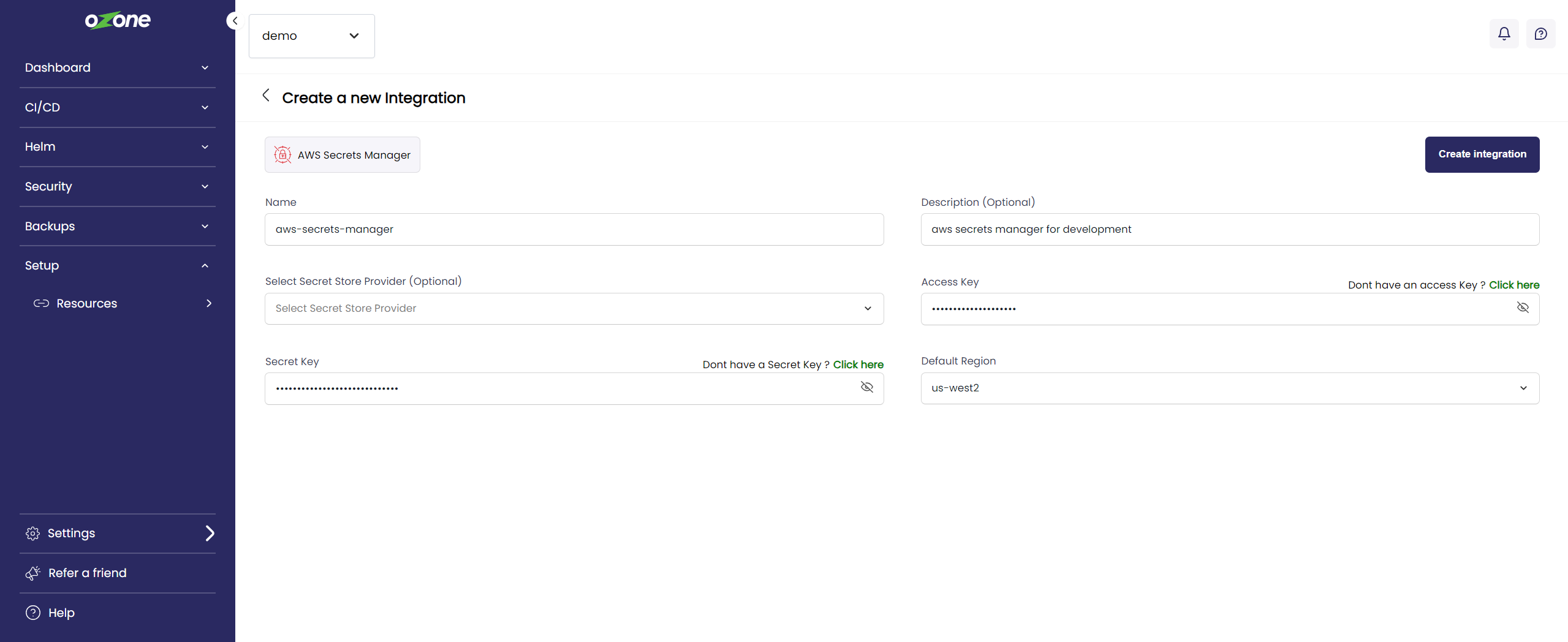
* Access Key
* Secret Key
* Region
Steps:\
\
1\. Enter the details to establish a connection and click on Create integration
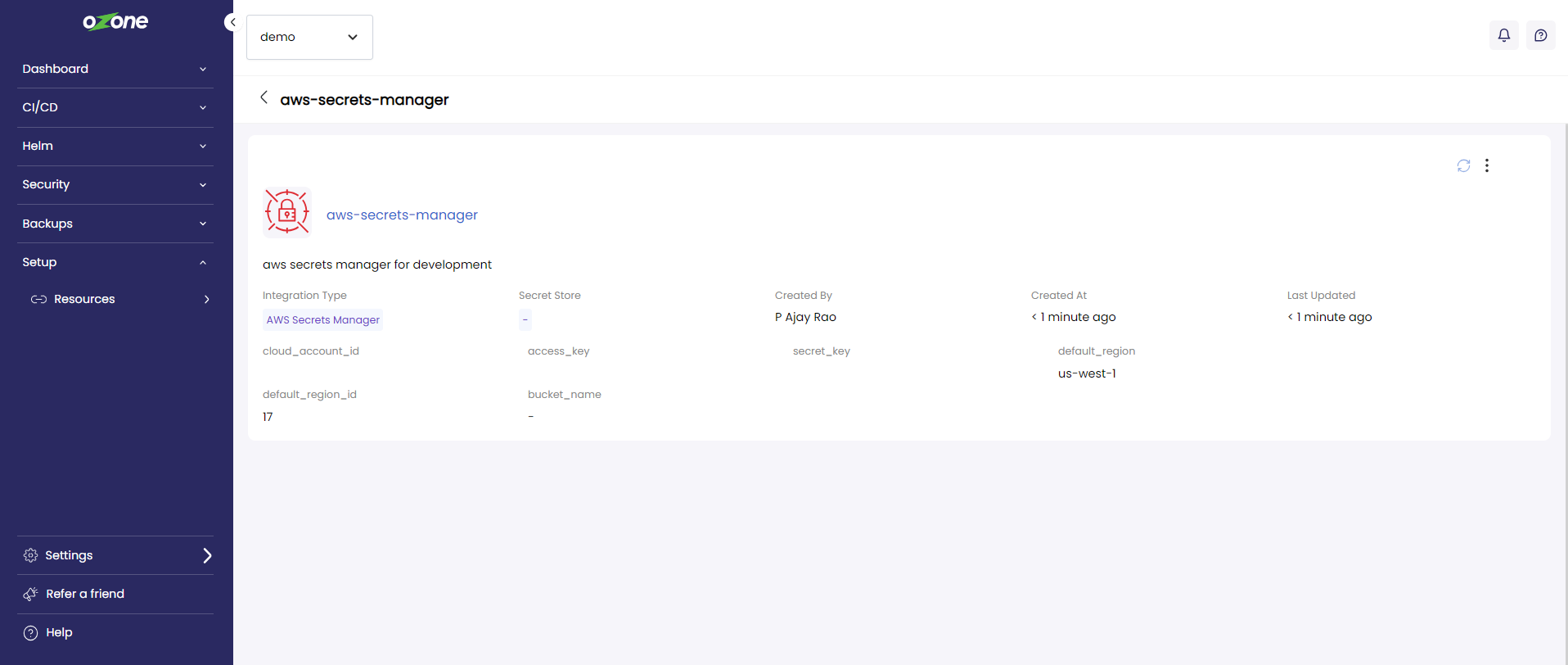
2. Once the credentials are validated, the integration will be created as shown below, in case of permission issues please refer to the link mentioned above for the permissions required
click the card to get a detailed view of the integration created